Your CEO appears on camera. They are articulate, the strategy is sound, and the vision is bold. Yet, within seconds of hitting play, the prospective client closes the tab. That client might be a C-suite decision-maker at a Bay Street financial firm or a global manufacturing partner.
They didn’t leave because of the message. They left because the medium undermined the message.
In the high-stakes world of enterprise B2B, executive video is not just content. It is a proxy for organizational competence. When manufacturing leaders like Martinrea or automation pioneers like ATS release content, it must project the same precision as their engineering. Research shows humans form impressions of competence in as little as a tenth of a second. If your video looks “cheap,” the viewer subconsciously categorizes your brand as a risk.
Why does this happen? Usually, it’s not a lack of budget, but a lack of technical discipline. Below, we diagnose the 5 specific technical failures that make executive video production look amateur and provide the enterprise-grade fixes we use at Shot One Studio to ensure your leadership commands the room.
Mistake #1: Lighting That Makes Executives Look Like “Ghosts”
The Diagnosis: The single fastest way to destroy executive presence.
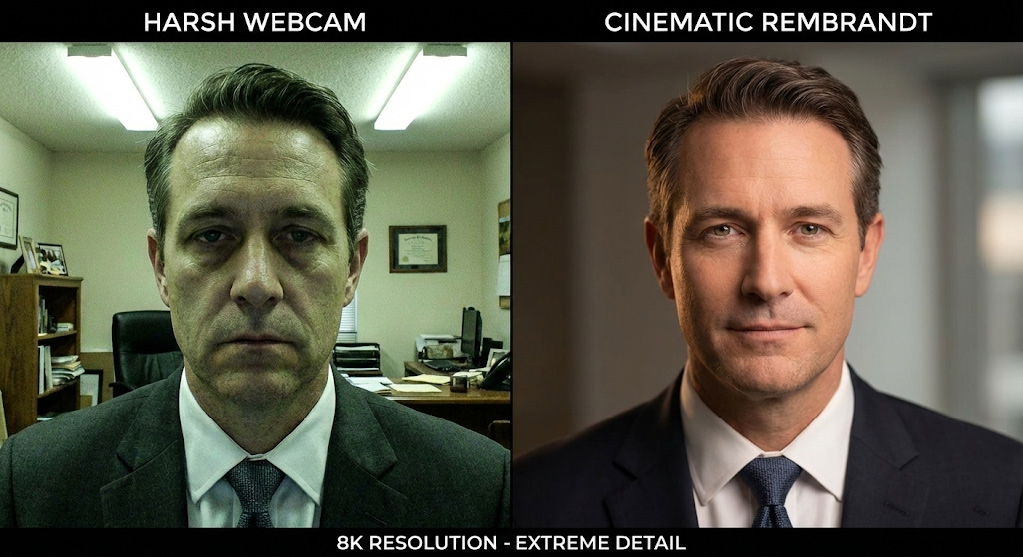
In many Toronto corporate offices, lighting is designed for reading spreadsheets, not for camera sensors. When you film an executive under standard overhead fluorescent troffers, the light hits the top of the skull. This casts deep, unflattering shadows into the eye sockets (the “raccoon eye” effect) and under the nose.
Worse, standard office bulbs often have a Color Rendering Index (CRI) below 85 with a green spike. This makes skin tones look sickly or washed out. To a C-suite viewer, shadows hiding the eyes signal untrustworthiness, while a pallid complexion signals weakness. In sectors like finance or healthcare, where trust is the primary currency, this visual language is disastrous.
The Technical Audit: Amateur vs. Professional Lighting
| Feature | Amateur “Office” Lighting | Professional Executive Video Lighting |
| Light Source | Overhead Fluorescent | 3-Point Setup (Key, Fill, Backlight) |
| Direction | Top-down (Eye Shadows) | 45° Angle (Rembrandt Patch) |
| Quality | Hard/Harsh (Shiny skin) | Soft/Diffused (Flattering texture) |
| Color Fidelity | Low CRI (<80), Green Tint | High TLCI (95+), Full Spectrum |
| Psychology | “Hiding something” | “Transparent & Competent” |
The Enterprise Fix: High TLCI & Diffusion
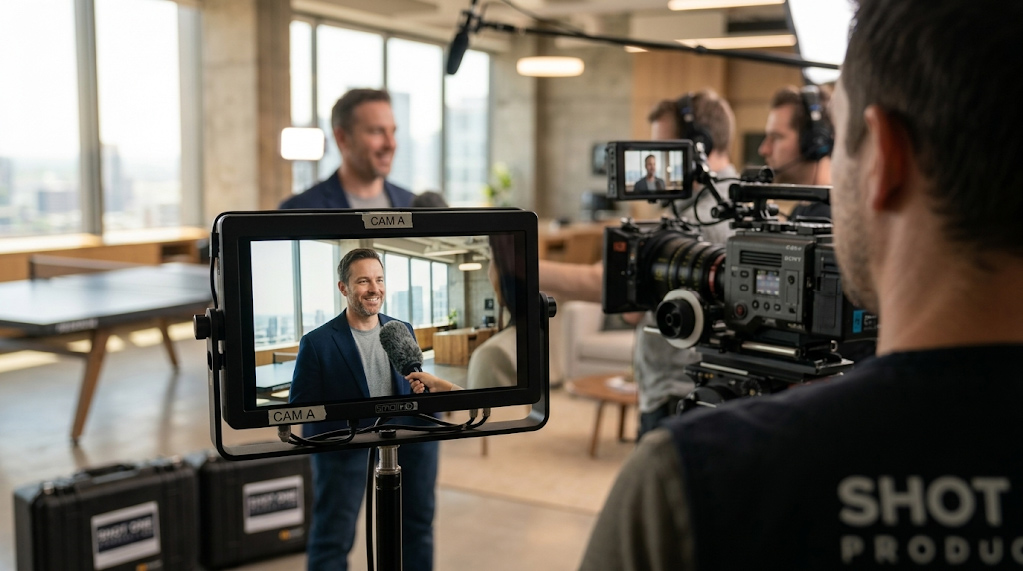
At Shot One Studio, we override room lighting entirely. We utilize high-fidelity fixtures, like the Aputure 120D or 600D series, with a TLCI (Television Lighting Consistency Index) of 96+ to ensure accurate skin tones. We modify the key light with large softboxes to wrap light around the face. This fills in wrinkles and creates a “catchlight” in the eyes. That spark of life signals vitality and engagement.
Mistake #2: Audio That Sounds Like a Wind Tunnel
The Diagnosis: The mistake that makes decision-makers close the tab instantly.
You can forgive grainy video, but you cannot forgive bad audio. If your corporate executive video sounds hollow, distant, or noisy, it increases “cognitive load.” The viewer has to struggle to understand the words, and a busy executive will simply stop listening.
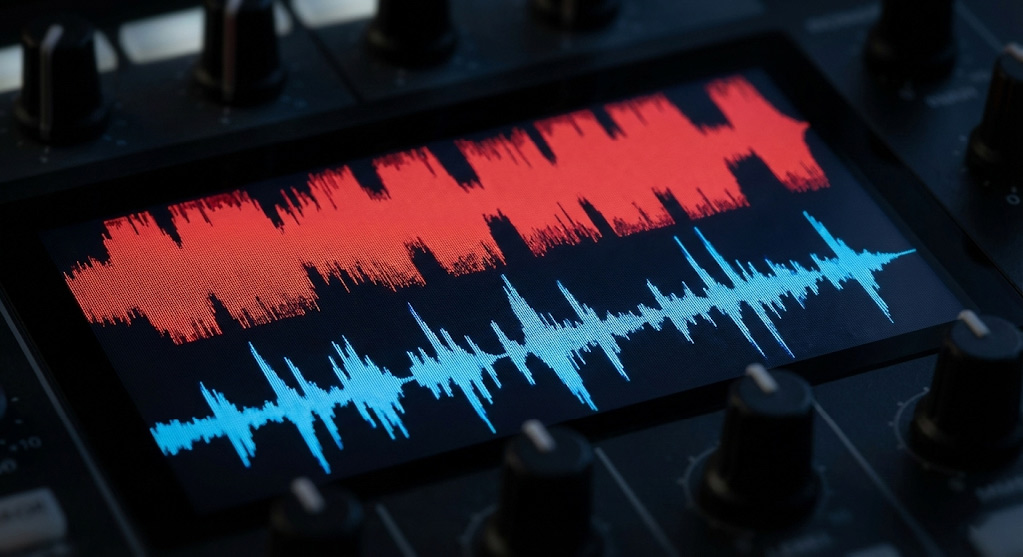
The culprit is usually “room tone.” Boardrooms with glass walls and hardwood tables are acoustic echo chambers. A camera’s built-in mic or a cheap USB mic placed three feet away captures more “room” (reverb) than voice. This creates an RT60 (Reverberation Time) of over 1.0 second, which sounds amateurish compared to the broadcast standard of under 0.4 seconds.
The Technical Audit: Signal-to-Noise Ratio
| Spec | Amateur Audio | Professional Executive Audio |
| Microphone | Camera/Laptop Internal | Sennheiser EW-DX / Shotgun Boom |
| Placement | 3-5 feet away | 6-10 inches from source |
| Room Acoustics | High Reverb (RT60 >1.0s) | Treated (RT60 <0.4s) |
| Noise Floor | -40dB (Hiss/HVAC audible) | -60dB (Broadcast Silence) |
| Bit Depth | 16-bit (Standard) | 24-bit/32-bit Float (High Dynamic Range) |
The Enterprise Fix: Proximity & Acoustics
We treat audio as engineering. We use professional wireless systems like the Sennheiser EW-DX or hyper-cardioid shotgun mics placed inches out of frame to maximize the Signal-to-Noise Ratio (SNR). Crucially, we treat the environment by using sound blankets to dampen glass reflections and mitigating HVAC noise. Clean audio signals authority. It tells the viewer, “We are clear, direct, and worth listening to.”
Mistake #3: Camera Shake & “Jello” Footage
The Diagnosis: Why your CEO looks nervous, even when they aren’t.
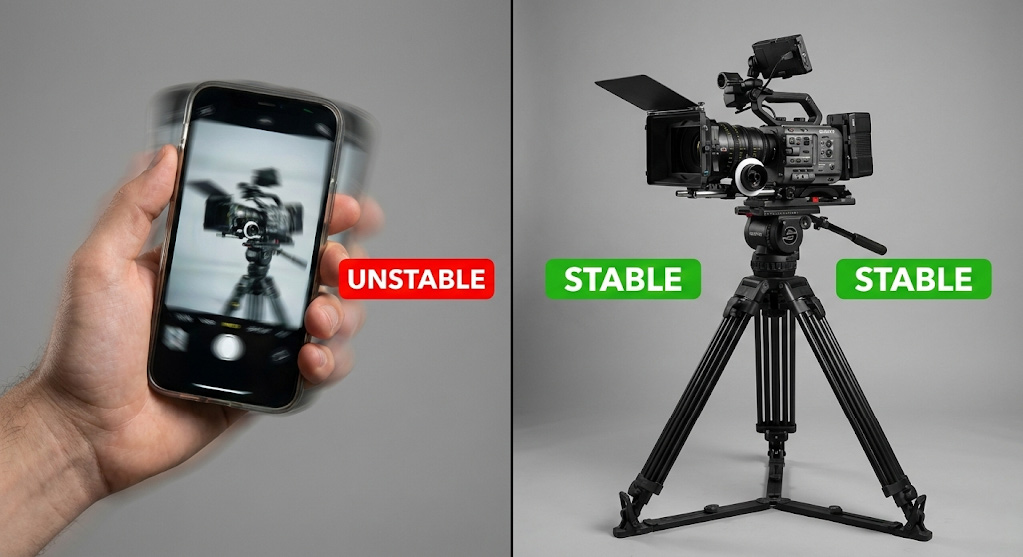
In the age of TikTok, handheld footage is common. But for a professional executive video, camera shake reads as nervousness or instability. If the frame is vibrating, the viewer subconsciously feels the brand is on shaky ground.
Amateur productions often rely on lightweight tripods or handheld mirrorless cameras with “rolling shutter” issues. This leads to the “jello effect” where straight lines, like door frames, wobble during movement.
The Technical Audit: Stability Standards
| Feature | Amateur Camera Work | Professional Executive Camera Work |
| Support | Handheld / Plastic Tripod | Fluid Head (Sachtler) / Gimbal |
| Motion | Micro-jitters / Wobble | Floating / Locked-off |
| Zoom | Digital Zoom (Pixelated) | Optical Zoom (Parfocal Lens) |
| Shutter | High Shutter (Staccato) | 180° Shutter Angle (Natural Blur) |
The Enterprise Fix: Fluid Heads & Cinema Cameras
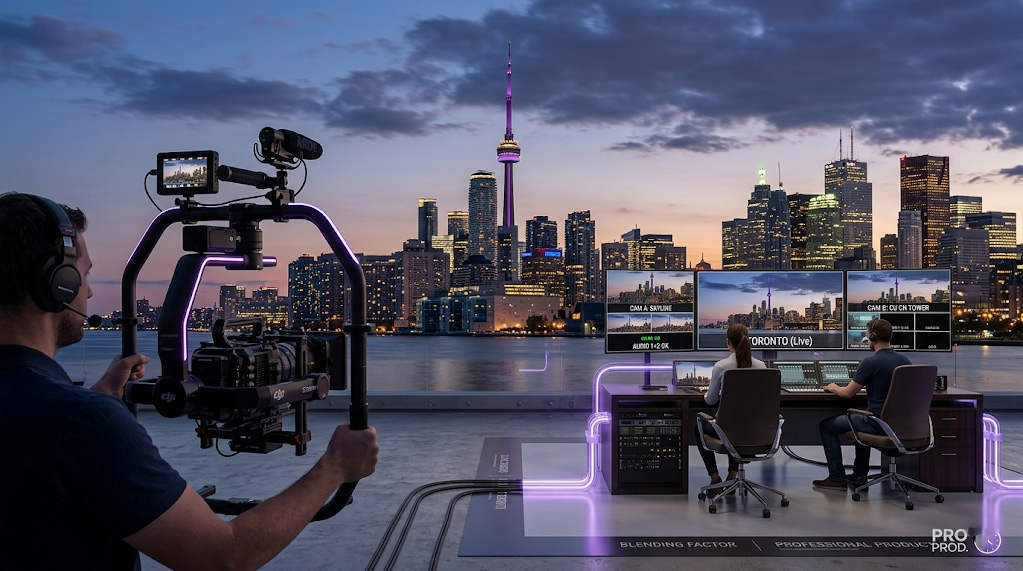
Stability equals control. For static interviews, we use heavy-duty fluid head tripods that lock the shot in stone. For b-roll (e.g. walking the manufacturing floor at an ATS facility) we use motorized gimbals like the DJI Ronin RS3 Pro. Furthermore, we shoot with cinema cameras like the Sony FX6. These have larger sensors and faster readout speeds than iPhones or DSLRs, eliminating the amateur “jello” look and providing the dynamic range needed to handle bright windows and dark suits simultaneously.
Mistake #4: Framing That Screams “Zoom Call”
The Diagnosis: The wide-angle distortion that diminishes authority.
Since 2020, we’ve become accustomed to the webcam angle. This is typically wide, unflattering, looking up the nose, with a messy ceiling in the frame. Using this composition for a decision-maker video is a fatal error. It tells the viewer, “This is just another meeting,” rather than “This is strategic communication.”
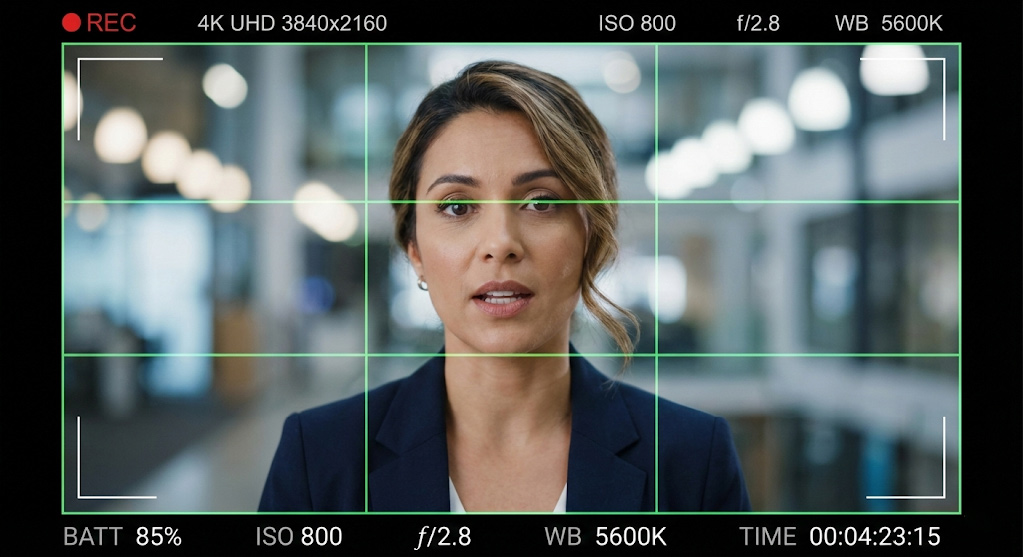
Amateur framing often centers the subject perfectly (mugshot style) or leaves too much “headroom,” making the executive look small. Wide-angle lenses (24mm or 35mm) used close up distort facial features by expanding the nose and narrowing the ears.
The Technical Audit: Composition & Focal Length
| Spec | Amateur Framing | Professional Framing |
| Composition | Dead Center (Passport Style) | Rule of Thirds (Dynamic) |
| Focal Length | Wide (28mm-35mm) | Portrait (50mm-85mm) |
| Depth of Field | Deep (Busy Background) | Shallow (Bokeh/Blur) |
| Headroom | Excessive (Floating Head) | Minimal (Commanding) |
The Enterprise Fix: The Rule of Thirds & Bokeh
We frame executives using the Rule of Thirds, placing their eyes on the upper-third intersection line to create a dynamic, active composition. We use longer focal lengths (50mm to 85mm) which flatter facial features and compress the background. By opening the aperture, we create a shallow depth of field (“bokeh”). This blurs out the distracting office background and forces the viewer’s focus entirely on the leader. This visual language is inherently cinematic and commanding.
Mistake #5: Editing That Feels Like a Slideshow
The Diagnosis: Linear, boring cuts that lose attention at the 15-second mark.
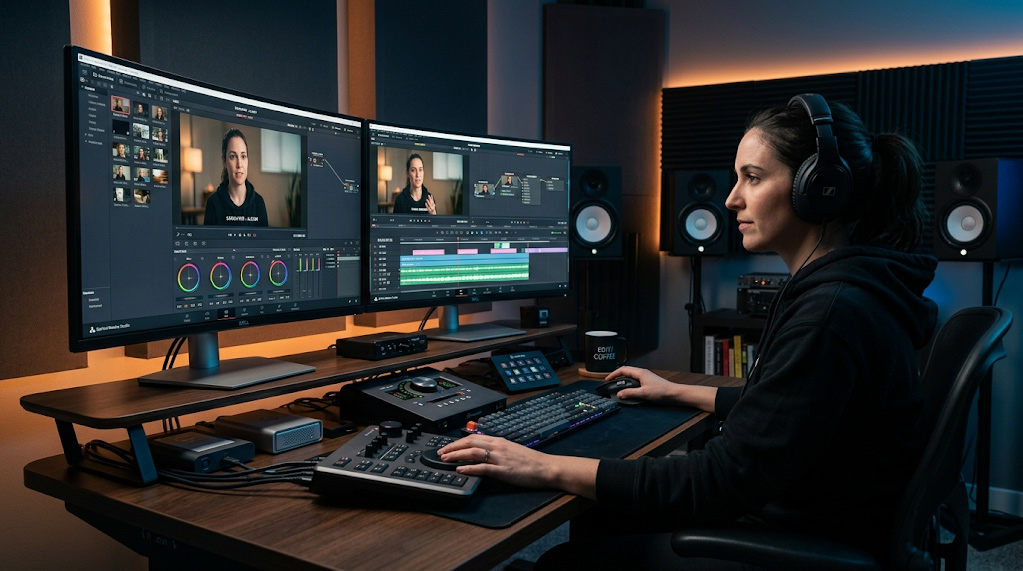
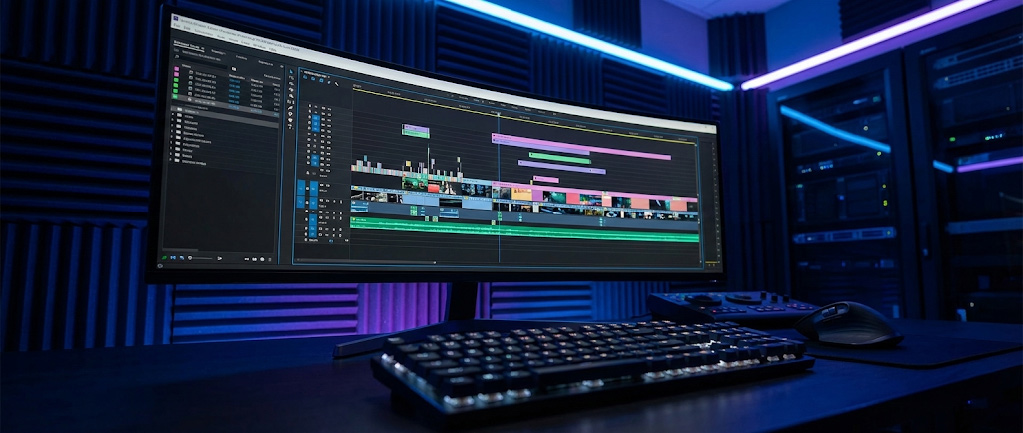
You shot great footage. Now, an amateur editor ruins it with “hard cuts” (audio and video cutting simultaneously), lack of color grading, and static pacing. It feels like a PowerPoint presentation converted to video.
Unprofessional executive video editing lacks rhythm. It leaves in the “ums,” the long pauses, and the awkward breaths. To a C-suite viewer accustomed to high-end media, this signals a lack of polish and attention to detail.
The Technical Audit: Post-Production Polish
| Feature | Amateur Editing | Professional Editing |
| Transitions | Hard Cuts | J-Cuts & L-Cuts (Audio Bridges) |
| Color | Rec.709 (Flat/Standard) | Log -> Graded (Rich Contrast) |
| B-Roll | None or Static Images | Dynamic Motion Footage |
| Graphics | Generic Templates | Custom Motion Graphics |
| Pacing | Linear / Dragging | Rhythmic / Tightened |
The Enterprise Fix: Invisible Technique
Professional editing is about flow. We use J-cuts (hearing the audio of the next scene before seeing it) to bridge thoughts seamlessly. We perform dedicated color grading to ensure corporate brand colors, like Martinrea Blue, are accurate. We overlay dynamic B-roll to cover edits, so the viewer never sees a “jump cut,” only a continuous stream of visual information.
The C-Suite Litmus Test (How Decision-Makers Judge)
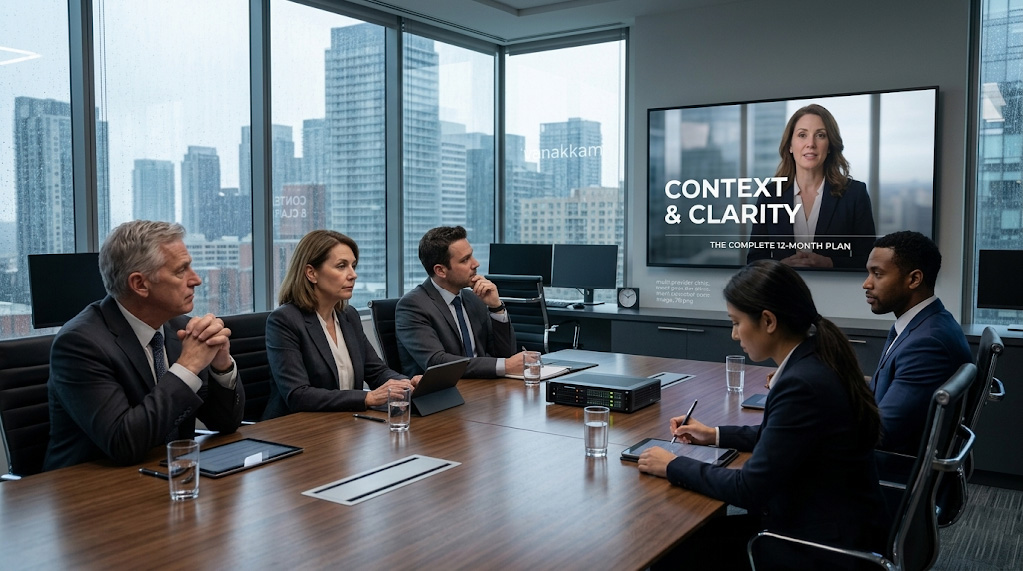
When a VP of Procurement or a CFO watches your video, they are performing a rapid, subconscious audit. They aren’t waiting for the end to decide if you are credible.
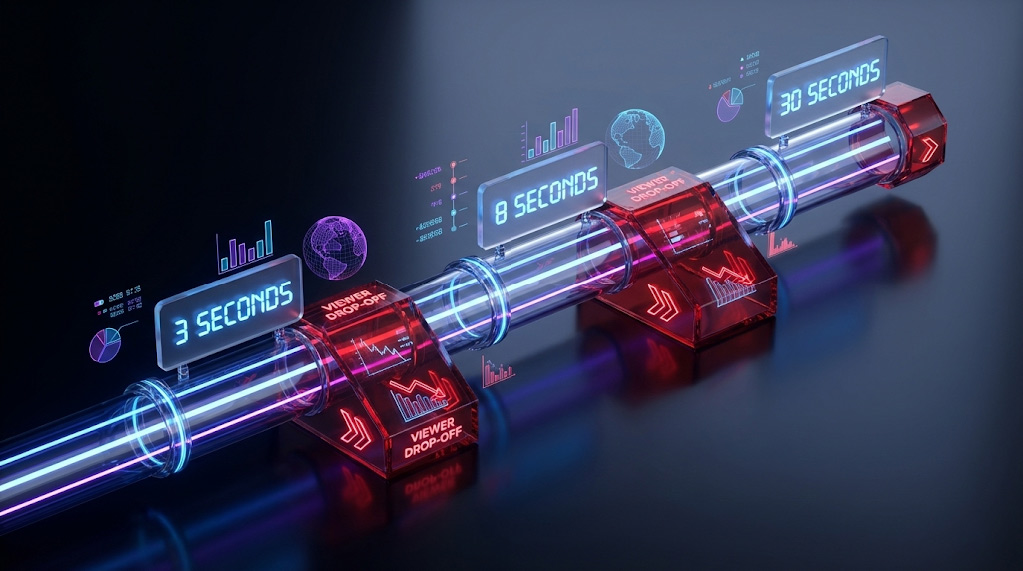
If you fail the 3-second test, you never get a chance to make your pitch. Executive video quality isn’t vanity. It is validity.
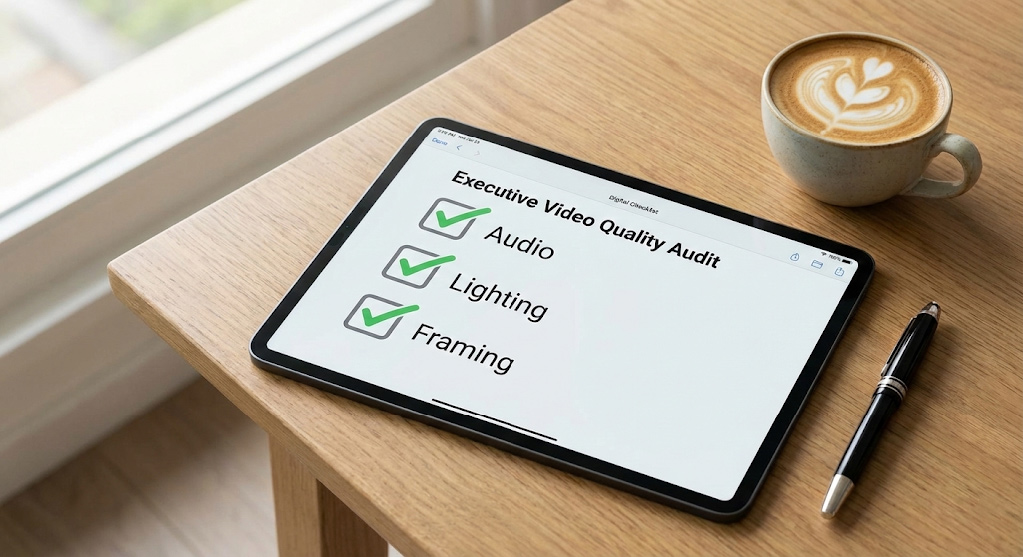
Shot One Studio’s Enterprise Video Checklist
Don’t let a technical oversight ruin your next executive broadcast. We have compiled the exact QA points we use for Fortune 500-adjacent clients.
FAQ: Executive Video Production
1. How much does professional executive video cost?
High-quality production typically ranges from $5,000 to $15,000+ per asset. This cost is driven by crew size, equipment (cinema cameras, lighting), and post-production requirements necessary to meet enterprise standards.
2. What is the ROI of high-quality executive video?
ROI is measured in trust and deal velocity. A polished video establishes credibility before you even enter the room, shortening sales cycles in complex B2B deals.
3. Can we film executive videos on an iPhone?
For internal updates, yes. For external C-suite audiences, no. Small sensors lack the dynamic range and depth control needed to project authority and often suffer from noise in office lighting conditions.
4. How long should an executive video be?
Aim for 90 seconds to 2 minutes. Executives value brevity. If the content must be longer, the editing must be incredibly tight and rhythmic to maintain retention.
5. What makes an executive video look professional?
Control. Professional video controls the light (no shadows), the sound (no echo), and the framing (deliberate composition). Amateur video accepts the environment “as is.”
Summary
Why does executive video look unprofessional?
Executive videos often look unprofessional due to five specific technical mistakes: poor lighting (overhead shadows), bad audio (room echo), shaky camera work, amateur framing, and unpolished editing.
- Lighting: Amateur videos use office fluorescents which create “raccoon eyes.” Pros use 3-point lighting with high TLCI values for healthy skin tones.
- Audio: Internal camera mics capture room reverb. Enterprise production uses wireless lavaliers or shotgun mics to ensure broadcast-quality signal-to-noise ratios.
- Camera: Handheld filming signals instability. Professional shoots use fluid head tripods or gimbals for stable, authoritative motion.
- Framing: Wide-angle, centered shots mimic webcams. Cinematic framing utilizes the Rule of Thirds and shallow depth of field (bokeh).
- Editing: Hard cuts and slow pacing bore viewers. Professional editors use J-cuts and color grading to maintain engagement.
Eliminating these errors is critical for maintaining credibility with B2B C-suite decision-makers.
Conclusion
Your executives are the face of your company. When you put them on camera, you are framing their authority.
If that frame is shaky, dark, or noisy, you tell the market that your company accepts mediocrity. But if that frame is crisp, clear, and polished, you tell the market that you are a leader who sweats the details.
Don’t let technical errors cost you credibility. Fix the lighting, clean the audio, and stabilize the shot.
Ready to upgrade your executive presence? Schedule a call with us